Frequently asked questions veterinarian
As a veterinarian you can create a PetBase account via the button RegisterWhen creating this account, please enter your CIBG and UBN practice address. After you apply for your professional account, we will process it; for this, we need your CIBG and UBN. We will always contact you by phone to activate your professional account. Read more Quick Start for Veterinarians how you can set up your account and start registering.
You can easily register your pet through our website, whether you're registering for reunification, individual chip insertion notifications, or passport issuances. You can also register chips directly from a growing number of management software programs, such as Animana, Vetware, DAISY, and VetBase. After registering, the data is immediately available on our website. support page We explain in detail how to register a chip.
Registering a pet with PetBase offers owners many advantages over other databases. For example, owners pay a one-time fee instead of an annual subscription. PetBase offers lifetime registration, allowing owners to update their pet's information free of charge. Owners can manage all their pets in a single account. PetBase is affiliated with Europetnet, making it possible to trace pets even abroad. At PetBase, we are always ready to assist our customers; we are available daily by phone, chat, or email.
Chips, vaccination booklets and pet passports can be ordered from our webshopLog in with your PetBase account and place the items in your shopping cart. To order chips and passports, you must have a valid CIBG and UBN practice address in your account.
With just a few clicks, PetBase lets you retrieve all the necessary information about a chip from the Netherlands Enterprise Agency (RVO) in real time. Within about two seconds, you'll see all received notifications, such as chip application, passport issue, birth, import, export, missing, found, disposal, or arrival. Log in to PetBase, search for the chip number in the search bar, and then click "RVO check" in the top right corner of the screen.
If the notifications are green, this means that notifications have been received by the Netherlands Enterprise Agency (RVO). Are one or more notifications red? The notifications have not been received by the RVO and may still need to be submitted by your clinic. For more detailed information about the legal notifications to the RVO, please visit our support page.
The ISO 11784/85 standards, together, form the standard for electronic animal identification. ISO 11784 describes the number structure (15 digits, the first three being the manufacturer or country code). ISO 3 is the technical concept of the chips. All chips sold by PetBase / Micpoint BV comply with these standards.
Yes, all domestic animals can be registered in the database. Other examples include donkeys, ferrets, rodents, snakes, birds, etc.
Registrations on PetBase
In the United States, among other places, FDX-A chip numbers are often used. An FDX-A chip number has a 10-digit code and usually consists of 9 digits and 1 letter. In Europe, FDX-B chip numbers are always used for pets. These chip numbers have a fixed structure and always consist of 15 digits. The first three digits are either a manufacturer number or a country code. Manufacturer numbers always begin with a 9, for example, 945 for FiveStar transponders.
If the master data (chip number, animal species, and, in the case of a dog, the date of birth) have been entered incorrectly, they cannot simply be changed. The registration must be completely revoked via the trash can in the registration process. After the registration has been completely deleted, a new registration can be made with the correct data. Non-master data (breed, color, sex) can be changed in the animal registration process under "Actions" and then "Change."
Before starting the registration process, it's a good idea to have all the microchip numbers already affixed to the passports and/or vaccination booklets. To report the legal requirements, it's important to select a microchip provider (chip application notification only) or the veterinarian (application and passport notification). For cats with a 528 chip, the microchip application notification can be submitted simultaneously, and for dogs, the birth, microchip application, and passport notifications can be submitted simultaneously. Find the relevant keeper/owner and then select "Register litter." Read more. Here step by step how to register a nest.
Occasionally, a chip implanted may not work, fall out of the animal soon after insertion, or be unread for some other reason. With PetBase, you can easily link the registration of the second chip to that of the first. This way, the animal will be correctly identified with both chips. Find the registered chip in PetBase and select "Replace/Add Chip" under "Actions." After entering the information for the second chip, both chips will be registered. On our support page you will find an extensive explanation.
With just a few clicks, PetBase lets you retrieve all the necessary information about a chip from the Netherlands Enterprise Agency (RVO) in real time. Within about two seconds, you'll see all received notifications, such as chip application, passport issue, birth, import, export, missing, found, disposal, or arrival. Log in to PetBase, search for the chip number in the search bar, and then click "RVO check" in the top right corner of the screen.
If the notifications are green, this means that notifications have been received by the Netherlands Enterprise Agency (RVO). Are one or more notifications red? The notifications have not been received by the RVO and may still need to be submitted by your clinic. For more detailed information about the legal notifications to the RVO, please visit our support page.
No, not all animals have an obligation. A dog or horse has a 528-number obligation.
Unique Company Number (UBN)
Each veterinary clinic has been assigned its own UBN practice number. This number can be requested from the Netherlands Enterprise Agency (RVO) and is required for reporting and ordering passports and microchips. More information can be found on our website. support page.
UBN stands for Unique Business Number and is a unique number for the location where the dog or dogs are kept. In the following cases, the owner needs a UBN from you as a veterinarian:
- To insert or inject a chip into a dog
- To submit an import notification for a dog
- To issue a passport for a dog
When making an appointment, advise the owner to request a UBN in good time via the website. RVO. You can find more information about the UBN on our support page.
To issue an official EU pet passport in the Netherlands, dogs A UBN (Universal Identity Number) is required for the holder/owner. Even if the old passport is lost, damaged, or full, the owner must have a UBN for a new passport. For issuing a passport for a non-dog, such as a cat or ferret, only the passport number needs to be provided; the owner does not need a UBN. Here further explains how to register a European pet passport.
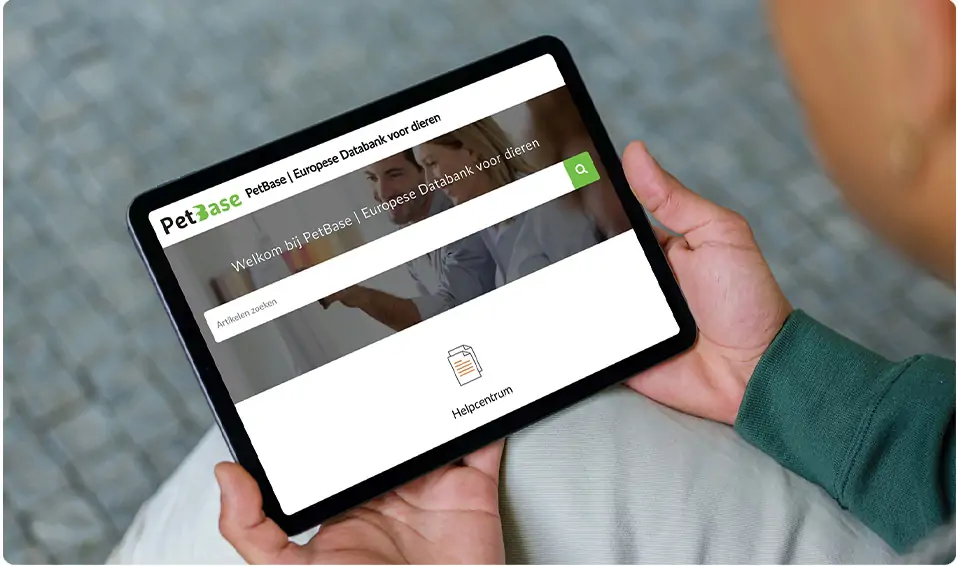
PetBase support site!
To best assist all our customers, we've created a dedicated support site. All questions we receive are listed there. If your question isn't listed here, please take a look at our support site.
Do you have any other questions that aren't listed here? Feel free to contact us!